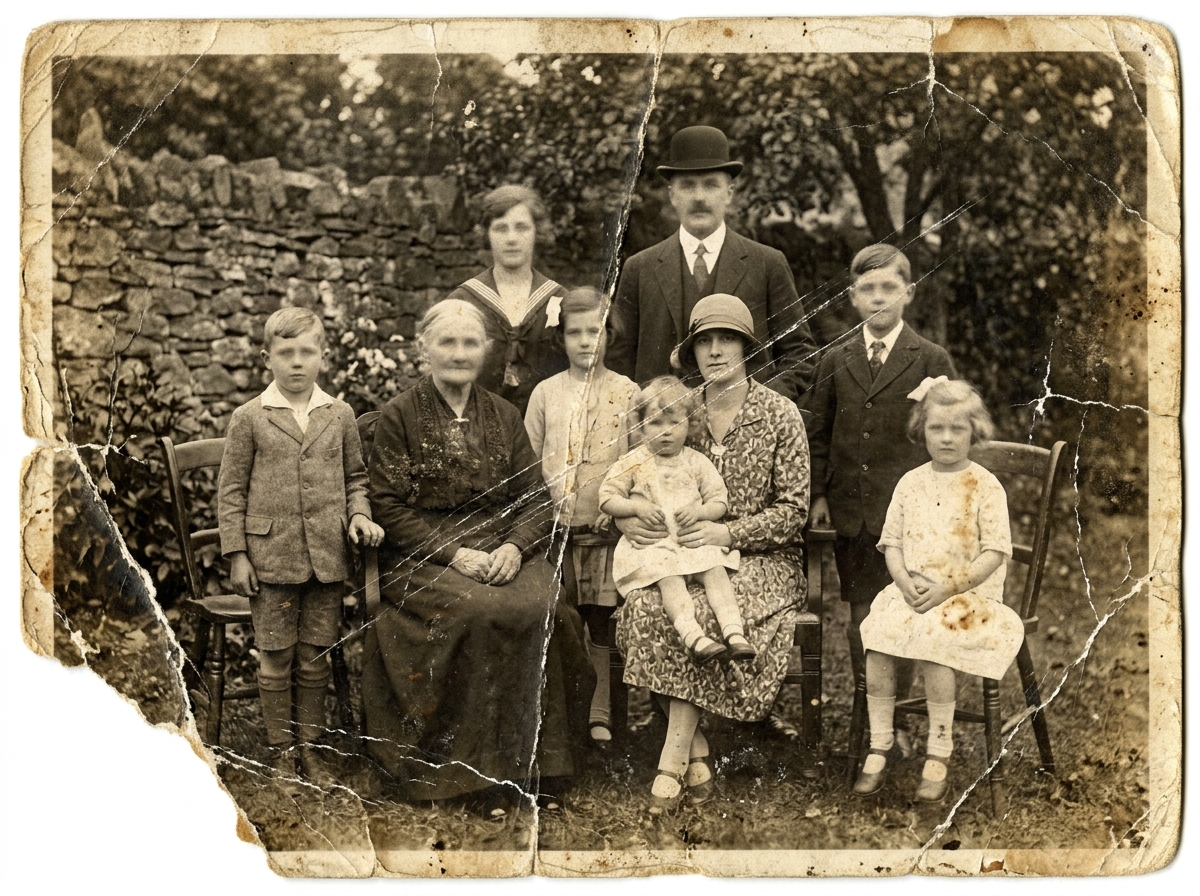
Simple AI repair for old pictures

Old Photo To New Photo Online

Fix scratches, restore faces, add color, and download a cleaner photo in minutes.

Original old photo
Before

Quick Upload Tips for Better Results

No image? Try one of these

Upload an old photo to start restoration.

Make Old Family Photos Clearer and Easier to Keep

Use Old Photo To New Photo to clean up faded portraits, scratched prints, and black and white pictures.

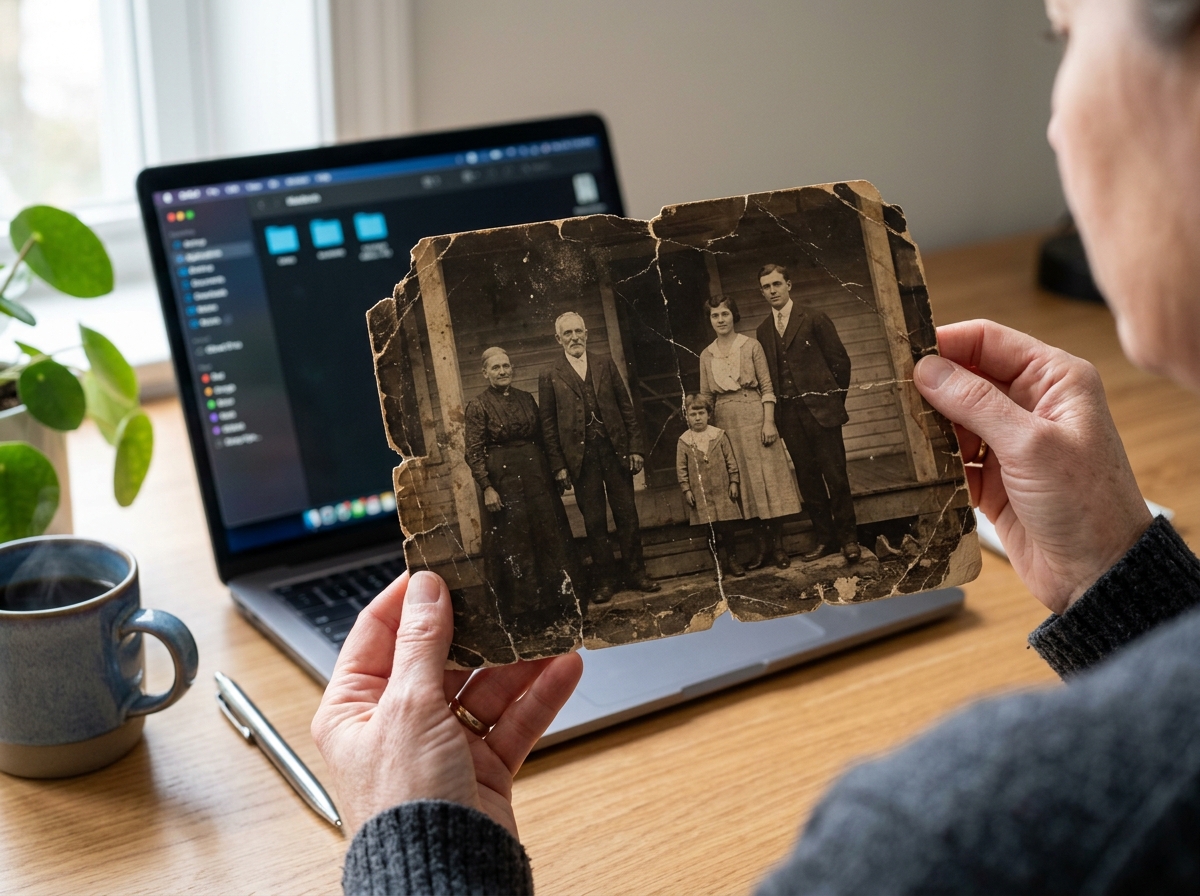
Clean Up Scratches, Dust, and Torn Areas

Old photos often carry marks from years of storage, including scratches, dust, stains, folds, torn corners, and paper grain. Old Photo To New Photo helps with old photo restoration by cleaning worn areas, reducing visible damage, and keeping the photo's original look.

Clean Up Scratches, Dust, and Torn Areas
BeforeAfter

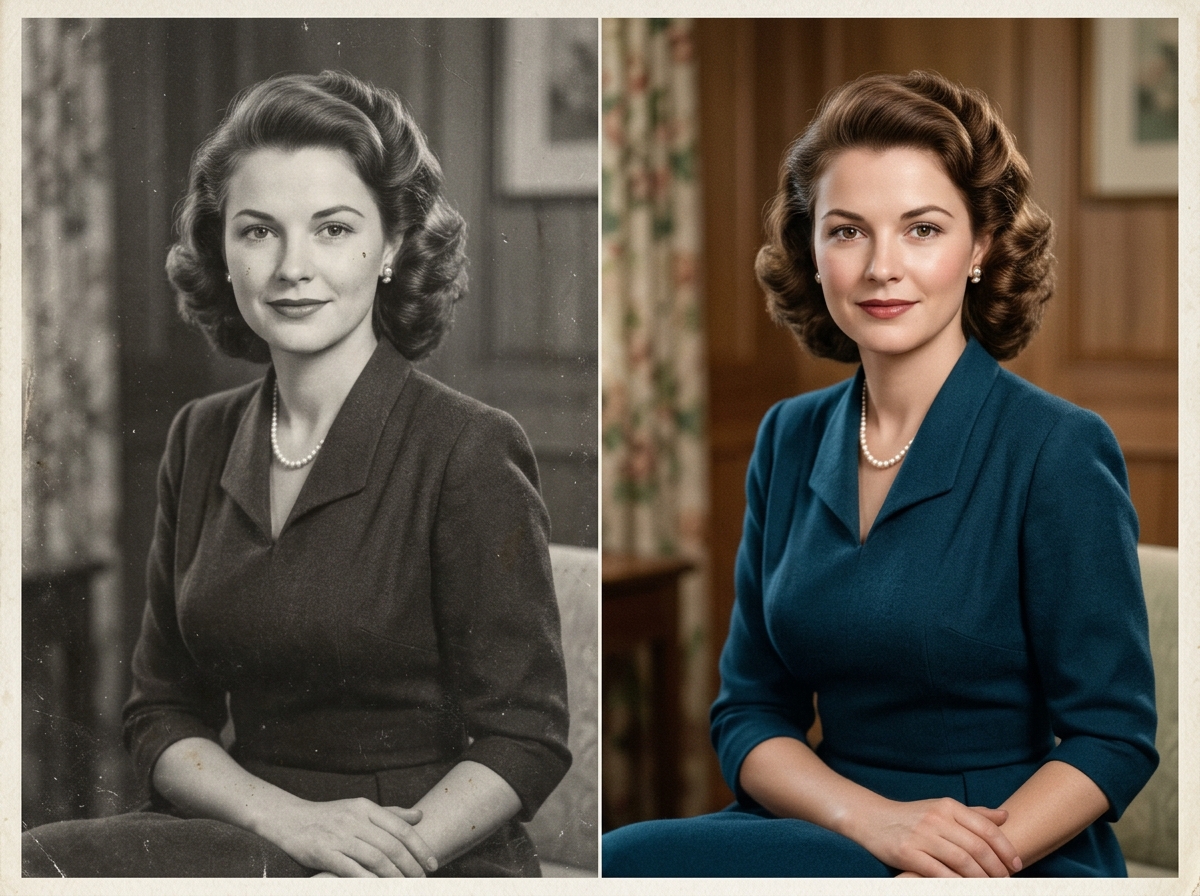
Add Soft, Natural Color to Black and White Photos

Colorize black and white photos with soft, natural tones that feel believable. Old Photo To New Photo adds skin color, clothing color, background detail, and warm light in a simple way, so the restored family picture still feels real.

Add Soft, Natural Color to Black and White Photos
BeforeAfter

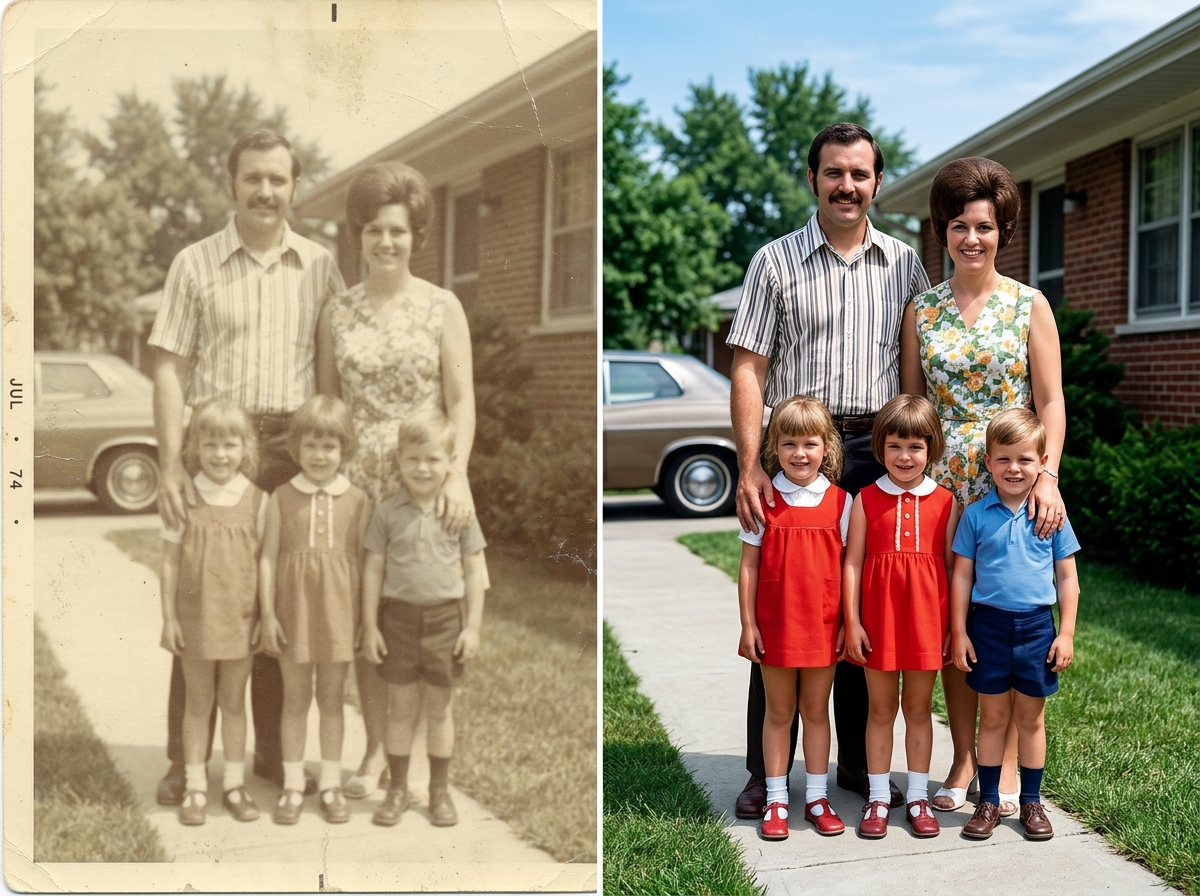
Reduce Fading and Bring Back Clearer Tones

Old prints can become yellow, washed out, flat, or hard to see after many years. Old Photo To New Photo restores faded photos by improving brightness, contrast, color balance, and shadow detail, so faces, clothing, and background areas are easier to view.

Reduce Fading and Bring Back Clearer Tones
BeforeAfter

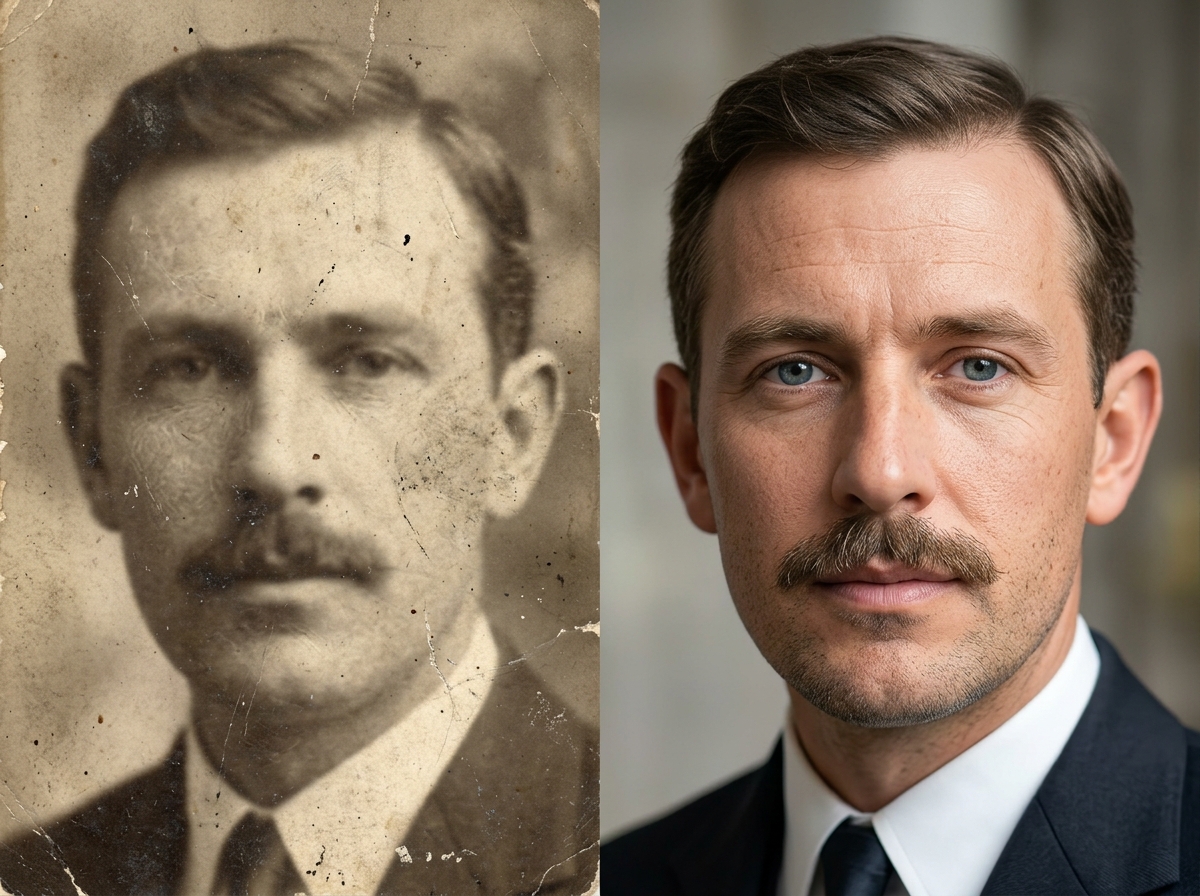
Make Faces and Small Details Easier to See

Soft portraits can hide eyes, hair, skin texture, clothing patterns, and other small details that matter in family photos. Old Photo To New Photo uses face enhancement and detail repair to make people clearer while keeping them natural and recognizable.

Make Faces and Small Details Easier to See
BeforeAfter

Why Use Old Photo To New Photo

A direct way to repair old prints, faded portraits, and damaged family pictures.

Built for Real Old Photo Problems

Old Photo To New Photo is made for common old photo repair tasks like scratch removal, stain cleanup, blur reduction, color restoration, and contrast correction. It works with scanned prints, phone photos of albums, faded portraits, and damaged archive images.

Natural-Looking Family Photos

Family photo restoration should look clean, not fake. Old Photo To New Photo keeps faces, skin tones, hair, clothing, and background texture calm and realistic, so the result does not look plastic, over-sharpened, or heavily filtered.

Simple Upload, Preview, and Save Flow

Use Old Photo To New Photo directly in the browser to upload an old picture, preview the AI restoration result, compare before and after, and download the cleaned image. No complex editing software, layers, masks, or manual retouching steps are needed.

Quick Enough for Everyday Photo Work

Old Photo To New Photo is fast enough for everyday photo cleanup, family archive projects, and quick before-and-after tests. Restore one old photo or try several damaged pictures without spending hours editing each image by hand.

How Old Photo To New Photo Works

Start with one photo, preview the result, then download the restored image.

Upload restoration example
Step 1

Add an old photo

Use a scan, phone photo, portrait, or family archive image.

1. Add Your Photo

Upload a scan or a phone shot of the old print.

2. Let AI Clean It Up

Old Photo To New Photo works on damage, color, blur, and faces.

3. Save the New Version

Download the clearer image and keep it for sharing or printing.

Old Photo To New Photo

Clean Up the Photos You Want to Keep.

Use Old Photo To New Photo to repair damage, refresh color, and save a clearer copy.

Get started

FAQs

Featured on Twelve Tools